JSONlens
JSON formatter and viewer
Reading the error message
When parsing fails, this tool reports the line and column where the parser gave up, not just "invalid JSON". The position is where the error was detected, which is often one token after the actual mistake — a missing comma on line 12 usually surfaces as an unexpected token on line 13.
The mistakes that cause almost every parse failure
Trailing commas. Valid in JavaScript, invalid in JSON. A comma after the last item of an object or array is the single most common cause.
Single quotes. JSON requires double quotes for both keys and string
values. {'a': 1} is a JavaScript object literal, not JSON.
Unquoted keys. {a: 1} is likewise JavaScript. Every key
must be a quoted string.
Comments. JSON has none. // and /* */ will
both fail, however reasonable they look in a config file.
NaN, Infinity and undefined. Not JSON values. A serialiser that emits them has produced something that only JavaScript will read back.
Formatting versus minifying
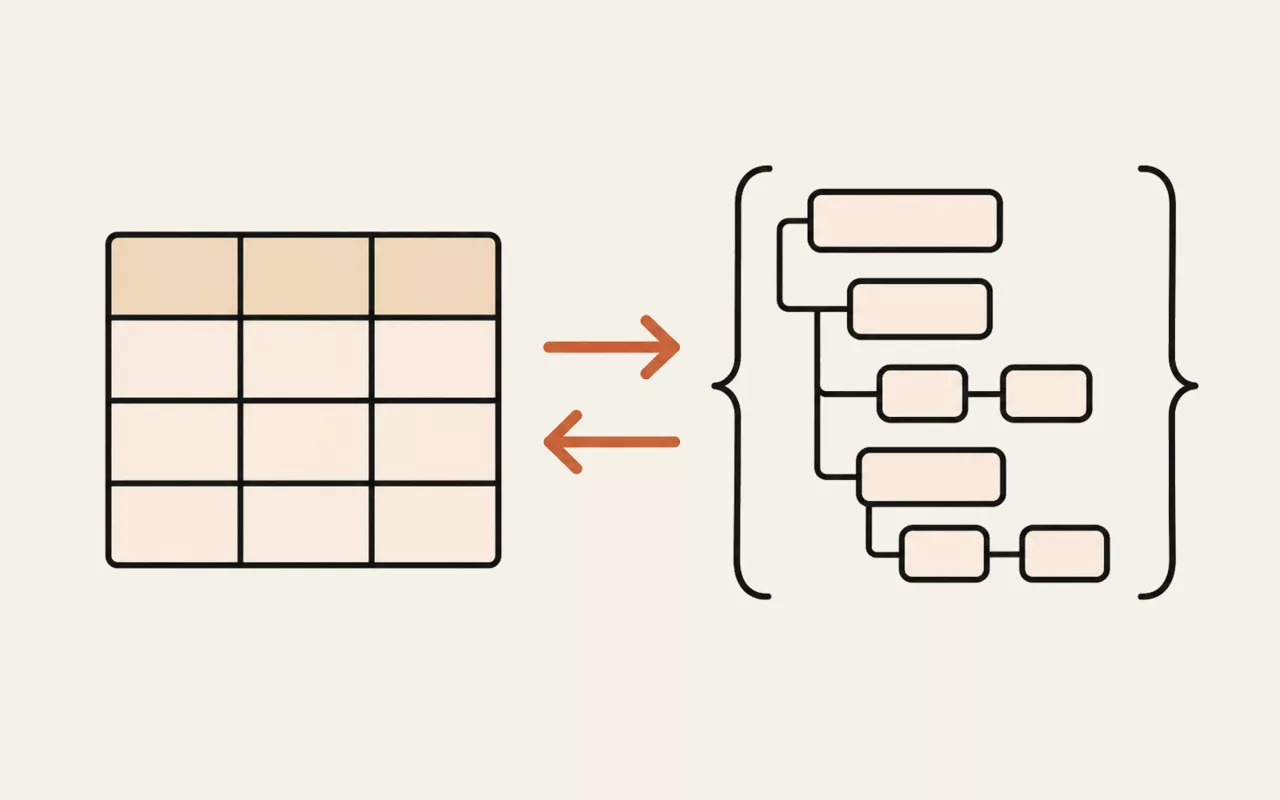
Both produce the same data — whitespace outside strings carries no meaning in JSON. Format when you need to read or diff it; minify when it goes over a network or into a field with a length limit. Round-tripping between the two is lossless, with one caveat: key order is preserved here, but nothing in the specification requires any parser to preserve it.
This tool runs entirely in your browser. Nothing you type, paste or open is sent to util.quest or anywhere else — there is no upload and no request to make one. You can disconnect from the network and it will keep working.
Paste a wall of minified JSON and get something you can read: an indented document, a collapsible tree, and precise error reporting that points at the line and column where parsing failed rather than just saying it is invalid.
It's one of the free tools in the util.quest collection — nothing to install, and no account needed. Found a bug or want a feature? Reach out at [email protected].