Diffscope
Diff checker for text and code
How the comparison works
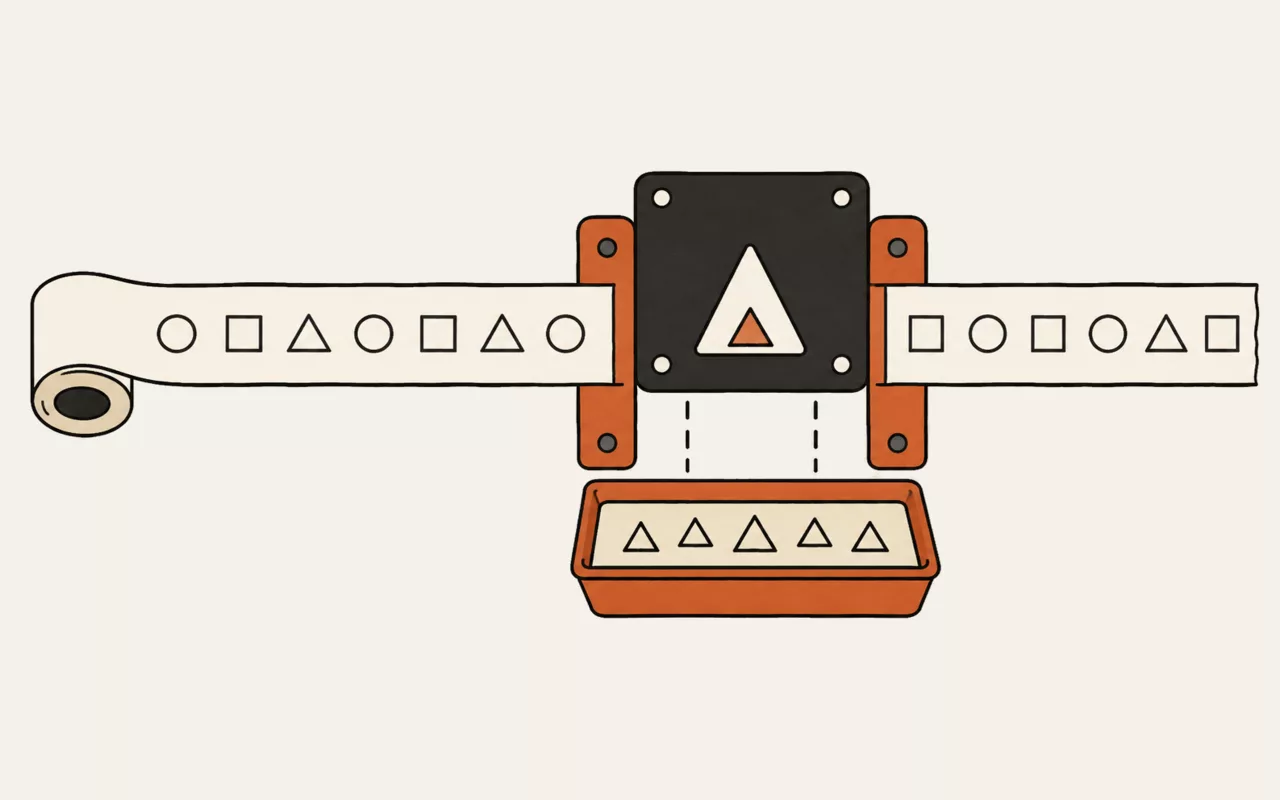
Both sides are split into lines and matched using a longest-common-subsequence pass —
the same approach git diff takes. That means it finds the genuinely
unchanged lines and marks only what moved around them, rather than declaring
everything different the moment one line is inserted near the top.
Ignore whitespace and ignore case
Ignore whitespace compares lines with leading, trailing and repeated spaces collapsed. Turn it on when a reformat or an editor's trim-on-save has produced a diff full of lines that read identically. Ignore case does the obvious thing, and is useful for comparing config keys or exported data where casing is inconsistent but not meaningful.
Both options affect matching only. The text shown is always exactly what you pasted.
Is it safe to paste confidential text?
Yes — the comparison happens in this page. Nothing is uploaded, and there is no server to log it, so diffing an environment file, a private key rotation or an unsigned contract does not disclose it to anyone. That is the main reason to prefer a client-side diff over one that posts your text to an endpoint.
This tool runs entirely in your browser. Nothing you type, paste or open is sent to util.quest or anywhere else — there is no upload and no request to make one. You can disconnect from the network and it will keep working.
Paste two versions of anything and see exactly what changed, line by line, with additions and removals marked. Runs entirely in your browser, which means you can safely diff a config file or a contract without it leaving your machine.
It's one of the free tools in the util.quest collection — nothing to install, and no account needed. Found a bug or want a feature? Reach out at [email protected].