Keysmith
Password generator
How strong should a password be?
Strength comes from entropy — the number of equally likely possibilities an attacker would have to work through. It's measured in bits, and each extra bit doubles the work. The figure above is calculated from the character set and length you've chosen, not guessed from how the result looks.
As a rough guide: under 40 bits is breakable quickly, 60 bits resists casual attack, and 80 bits or more is beyond brute force with current hardware. Length buys more entropy than complexity does — a long lowercase passphrase beats a short cryptic string, and you can actually type it.
Which word list does the passphrase use?
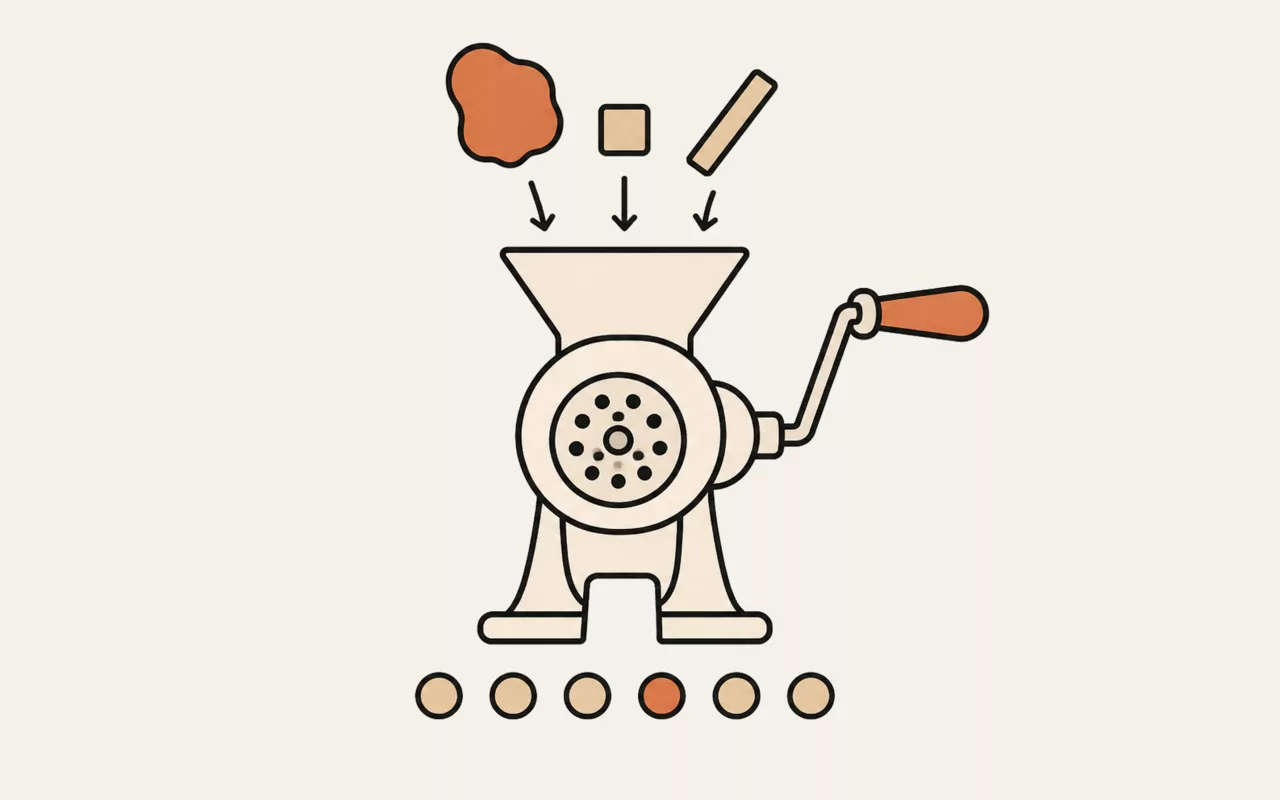
A list of 754 short, common English words, chosen to be easy to type and quick to read back. Every entry is distinct — a repeated word would make itself twice as likely as the rest and quietly inflate the entropy figure — so each contributes exactly log₂(754), a little over 9.5 bits. A six-word passphrase is therefore around 57 bits before the trailing digit, and the strength figure above is calculated from the real list size rather than assumed.
Words are chosen with crypto.getRandomValues using rejection sampling,
not Math.random() and not a modulo of a random integer. That matters more
than it sounds: taking a random number modulo the list length makes the first few
words fractionally more likely than the rest, which quietly costs you entropy you
think you have.
Random string or passphrase?
Use Random for anything a password manager will remember on your behalf, which should be almost everything. Use Passphrase for the handful you have to type from memory — your device login, your password manager's own master password — where a sequence of real words is far easier to recall and just as hard to guess at sufficient length.
Is it safe to generate a password on a website?
It depends entirely on where the generation happens. This one runs in your browser
using crypto.getRandomValues, the operating system's cryptographic random
source — the same one your password manager uses. Nothing is transmitted, and the page
keeps no record, so the only copy of the password is on your screen.
A generator that builds the password on its server, by contrast, has necessarily seen it. If you can't tell which kind you're using, assume the worse one.
This tool runs entirely in your browser. Nothing you type, paste or open is sent to util.quest or anywhere else — there is no upload and no request to make one. You can disconnect from the network and it will keep working.
Keysmith builds strong passwords and passphrases in your browser using the operating system's cryptographic random number generator — the same source your password manager uses. Nothing is transmitted, logged or stored, so the password on your screen has never existed anywhere else.
It's one of the free tools in the util.quest collection — nothing to install, and no account needed. Found a bug or want a feature? Reach out at [email protected].