QRcraft
QR code generator
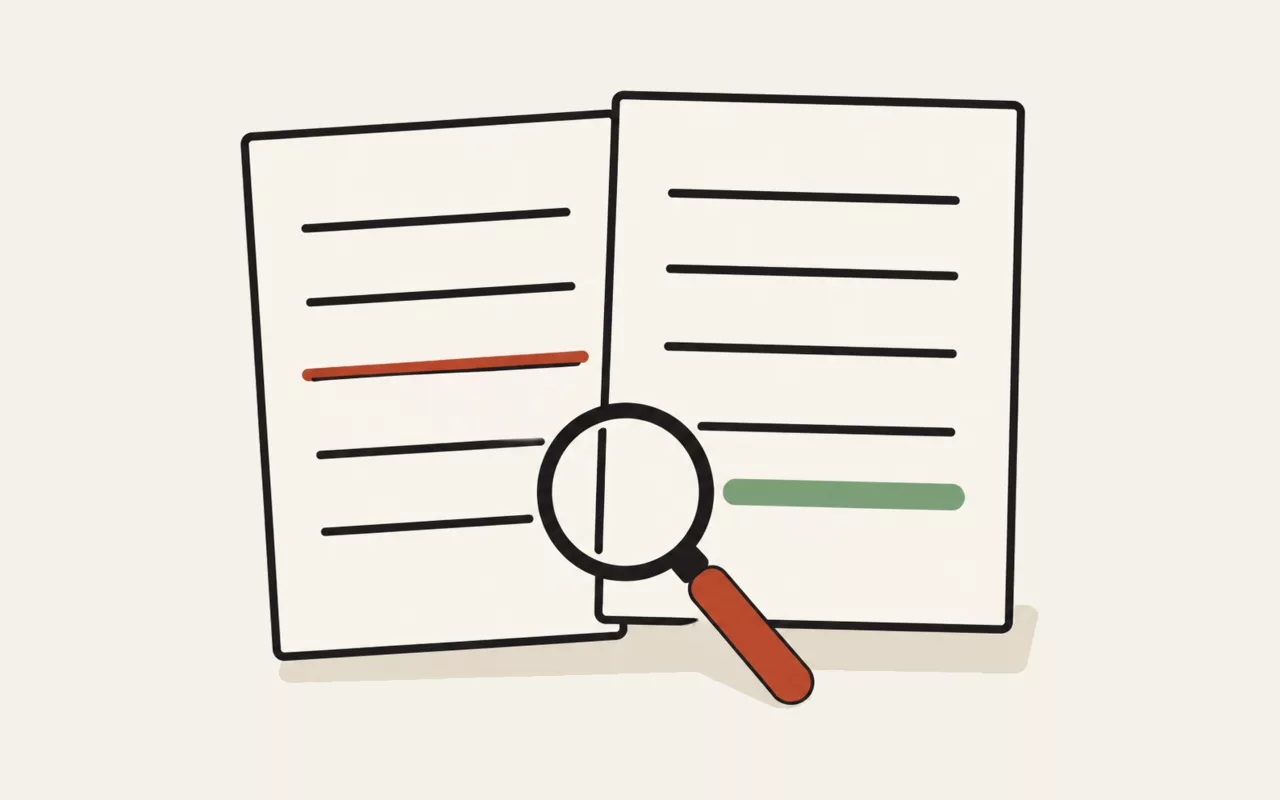
Scan it with an actual phone before you print five hundred of them. Contrast, size and the surface it is printed on all matter, and none of them are visible on screen.
A logo covers part of the code. Use correction level Q or H so scanners can still recover what is underneath.
Choosing an error-correction level
Every QR code carries redundant data so it still scans when part of it is dirty, creased or covered. The four levels recover roughly 7%, 15%, 25% and 30% of the symbol respectively, and that redundancy costs space — a higher level means either a bigger, denser code or less room for your content.
M is the right default for almost everything on a screen or a clean printed page. Go to Q or H for anything that will be printed on a product, exposed to weather, or has a logo placed over the middle. Dropping to L only makes sense when the content is long and the code will be scanned from a display.
Sizing and quiet zones
The white margin around a code is not decoration. The specification calls it the quiet zone and requires four modules' width; without it, scanners struggle to find the symbol's edges against a busy background. Leave it switched on unless you are placing the code on a plain light area that already provides the margin.
For print, the practical rule is that the code should be at least a tenth of the scanning distance — a poster read from two metres wants a code around 20 cm across. Download the SVG for anything going to print: it is resolution-independent, so it stays crisp at any size, and the file is usually smaller than the PNG.
What each content type produces
A link becomes the URL itself, with https:// added if you
leave the scheme off — a bare domain without a scheme makes many phones offer a web
search rather than opening the page. Wi-Fi produces a
WIFI: payload that Android and iOS both understand as a join-network
prompt, so guests do not have to type a password. Email and
phone produce standard mailto: and tel:
links.
Shorter content produces a lower version number, which means fewer, larger modules and a code that scans faster from further away. If a code looks unusably dense, the fix is almost always to shorten the content rather than to enlarge the image.
How the encoder picks its settings
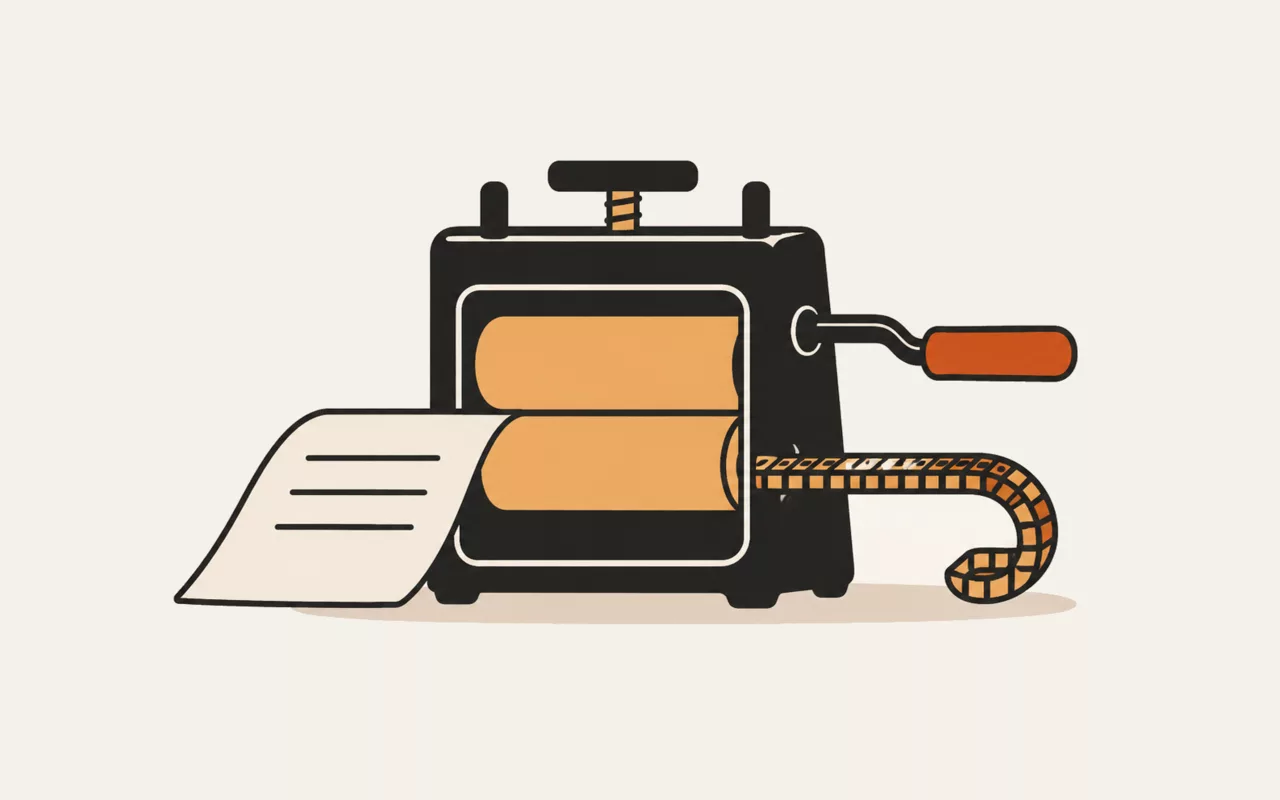
Content is examined and encoded in the densest mode it allows. Digits alone pack three characters into ten bits; uppercase letters and a handful of symbols pack two into eleven; anything else falls back to eight bits per byte of UTF-8. That is why an all-uppercase address can produce a visibly smaller code than the same address in lower case.
The smallest of the 40 versions that fits your content at your chosen level is selected automatically, error-correction codewords are computed with Reed–Solomon coding, and all eight data masks are generated and scored against the penalty rules in the specification — the one with the fewest awkward patterns is the one you get.
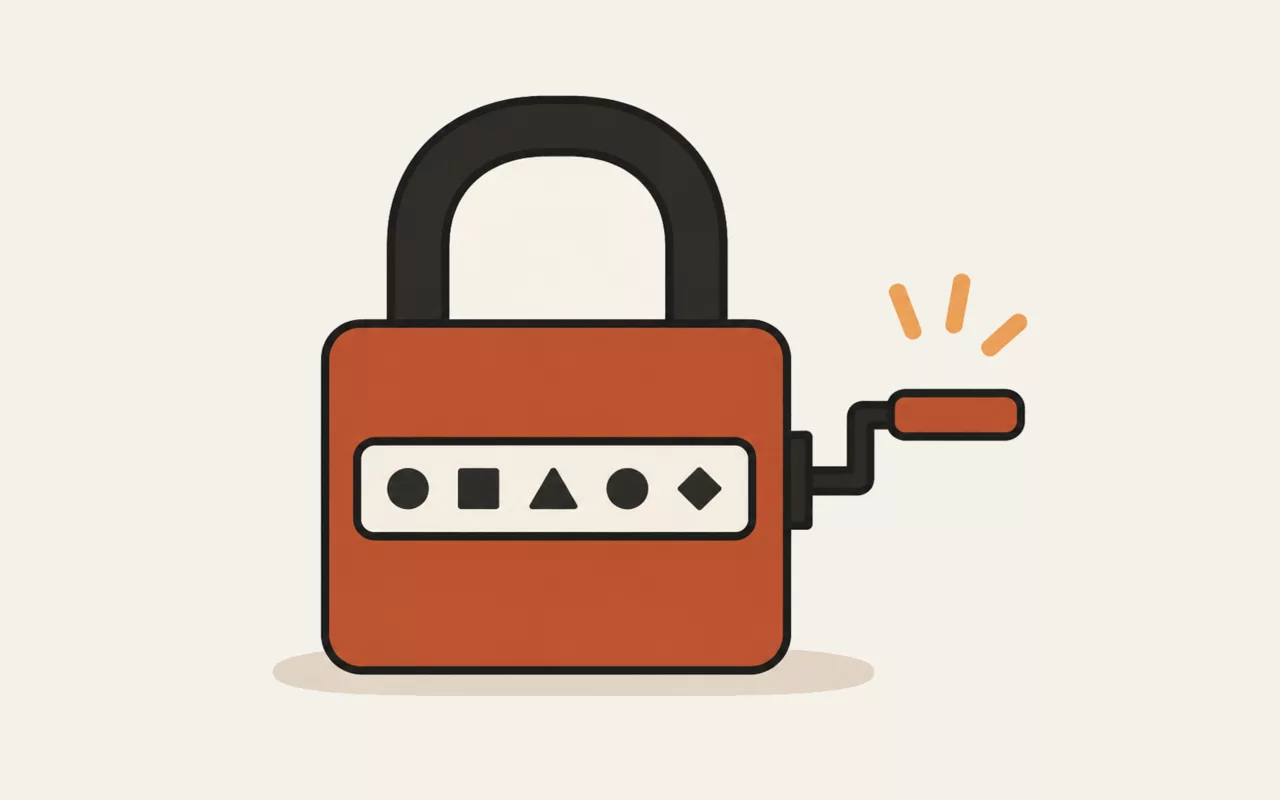
This tool runs entirely in your browser. Nothing you type, paste or open is sent to util.quest or anywhere else — there is no upload and no request to make one. You can disconnect from the network and it will keep working.
QRcraft turns any link, text or contact card into a QR code you would actually want to print. Pick colours, add a logo, and export at whatever resolution you need.
It's one of the free tools in the util.quest collection — nothing to install, and no account needed. Found a bug or want a feature? Reach out at [email protected].