Regexlab
Regex tester and debugger
Explain, don't guess
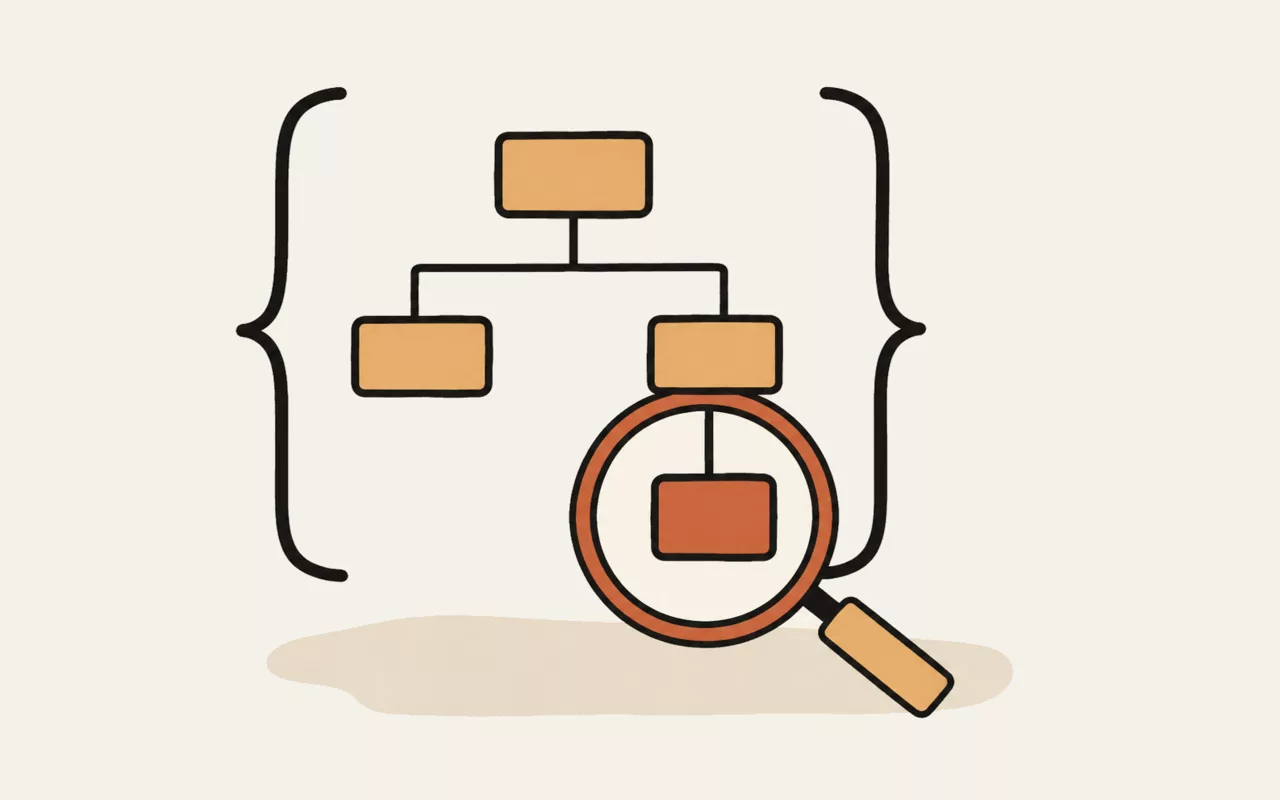
The Explain tab breaks the pattern into a nested outline: what each
piece matches, how many times, and — crucially — what each quantifier is attached to.
That last part is where most regular expressions go wrong. (ab)+ and
ab+ differ by one pair of brackets and mean entirely different things, and
the outline makes which one you wrote impossible to misread.
It is a real parser rather than a lookup table, so it follows nesting, alternation, lookaround and named groups rather than pattern-matching on symbols. Where it meets something it cannot describe honestly, it says so instead of guessing.
Replacing, not just matching
Roughly half of all regular expression use is substitution. The Replace
tab applies your pattern to the same text and shows the result as you type.
$1, $2 and so on insert numbered capture groups,
$<name> inserts a named one, and $& inserts the
whole match.
Quick reference
\d digit · \w word character · \s whitespace ·
. any character · [abc] one of · [^abc] not one of
* zero or more · + one or more · ? optional ·
{2,5} a range · | alternation
^ start · $ end · \b word boundary ·
(…) capture group · (?:…) group without capturing ·
(?<name>…) named group
Every one of those is a button above the test area — clicking inserts it at the cursor rather than making you retype it.
Which flavour is this?
JavaScript's, since it runs in your browser. That matters when you are writing a pattern for somewhere else: PCRE, Python, Go and Java each differ in the details. Lookbehind, named groups and unicode property escapes all work in modern browsers but are not universally portable — check before copying a pattern into another language.
Catastrophic backtracking is caught, not suffered
Some patterns take exponential time on inputs that nearly match. Nested
quantifiers like (a+)+$ are the classic shape. The same pattern in a
server handling untrusted input is a denial-of-service vulnerability, sometimes called
ReDoS.
Matching here runs on a background thread with a time limit, so a pattern like that gets stopped and reported rather than freezing the page. Treat that message as the finding: the pattern is dangerous, and it should be rewritten before it reaches production rather than worked around here.
Sharing a pattern
The address bar updates as you type, so the link in it carries the pattern, its flags and any replacement — paste it into a ticket or a chat and the other person opens it exactly as you left it.
The text you are testing against is deliberately not included. It is kept in your browser's own storage so it survives a reload, but it stays on your machine: the pattern is the part worth sharing, and the data you are testing it on is usually not.
This tool runs entirely in your browser. Nothing you type, paste or open is sent to util.quest or anywhere else — there is no upload and no request to make one. You can disconnect from the network and it will keep working.
Build a regular expression and see exactly what it matches as you type, with every match highlighted in context and each capture group listed separately. Includes a quick reference for the syntax you always have to look up.
It's one of the free tools in the util.quest collection — nothing to install, and no account needed. Found a bug or want a feature? Reach out at [email protected].